The Animizo. Review
One of the best you can find. Its an upgrade to fusion that Blackmagic never gave us, and we never knew we needed. I would strongly recommend it to someone who wants to edit faster.
Create animations inside Fusion without using a single keyframe. 38 easing presets, custom curves, bake to keyframes and In/Out animation for any number or position control.
One of the best you can find. Its an upgrade to fusion that Blackmagic never gave us, and we never knew we needed. I would strongly recommend it to someone who wants to edit faster.
After you download Animizo Modifier from the store, its email includes a link to your download page. Write your review on that page and it appears here labelled Verified download.
Uses a free Clipizo account. Your review is labelled Clipizo member and appears after approval.
Verified reviews come from Clipizo downloads · Member reviews are moderated · No review is hidden for its rating.
Animizo Modifier is an easing modifier that lets you create animations inside Fusion without using a single keyframe.
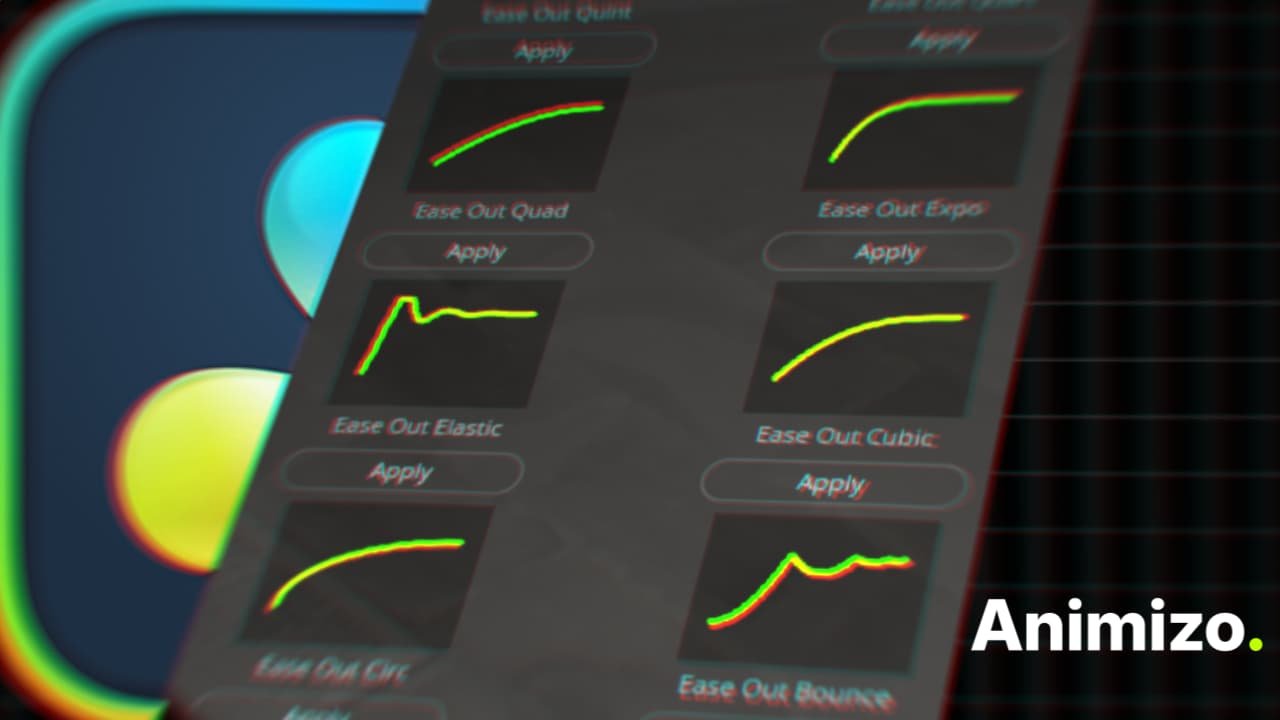
The modifier outputs procedurally eased values you can drop onto any animatable parameter including position, size, opacity, rotation, and more. Choose from 38 built in easing presets including Sine, Quad, Cubic, Quart, Quint, Expo, Circ, Back, Elastic, and Bounce in Ease In, Ease Out, and Ease In Out variants.
Use the custom curve mode with a visual curve browser and preset thumbnails for fully manual animation profiles. Bake procedural animations to editable keyframes when you need to hand off a comp or fine-tune manually.
Set up In and Out animations with frames or seconds duration. Generate a Modifiers Note to list every Animizo modifier in your comp with its host node and animated values.
It comes as two modifiers: Animizo for number controls such as size, opacity and rotation, and Animizo Point for position controls.
No keyframes, no Spline tool, no manual interpolation. Just pick a curve and set your start and end frames.
Questions about your setup? Ask in the Clipizo Discord or send us a message.
Animizo Modifier was paid until October 14, 2026. Everyone listed below bought it before it went free, and their support helped build it.
Many more supporters chose to remain anonymous. Thank you to them too.
Animizo Modifier Fuse package: the Number modifier (Animizo.fuse) and the Point modifier (Animizo Point.fuse).
On the Fusion page, right-click an animatable number control → Modify With → Animizo. For a position control, use Animizo Point. Select the Inspector’s Modifiers tab to adjust the animation.
Some controls appear only after choosing the relevant mode.
Still stuck? Contact Clipizo with the plugin version, Resolve version, operating system and the exact error message.
Check the requirements first.