Burn Away Transition
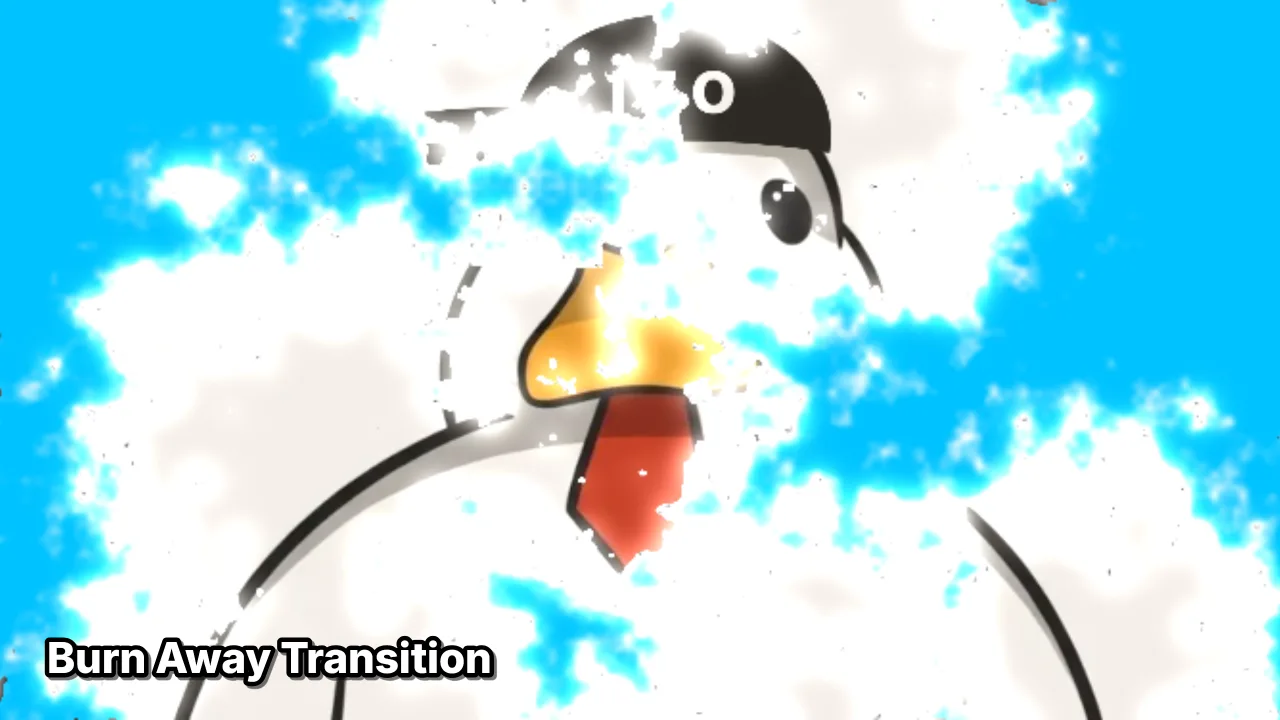
Play with the parameters to get more results of this Transition.
To get the Fire Burn effect, just make the Burn Saturation- 1.0.
Change the Burn Hue to change its color.
"HOW TO INSTALL?
>> Edit Page Installation
1. Double-click the ".drfx" file.
2. DaVinci Resolve will open automatically and display the installation prompt.
3. Click Install to complete the installation.
>> Fusion Page Installation
1. Open Fusion > Fusion Settings > Path Map > Macros
2. Open the Macros folder.
3. Copy and paste the "Ducky_BurnFX" folder into the Macros folder.
🦆 QUACK QUACK 🦆
How to install
Double-click a .drfx file, or drag it onto Resolve, to install it. Drag a .setting file onto the Fusion page's Node editor, or put it in %AppData%\Blackmagic Design\DaVinci Resolve\Support\Fusion\Templates\Edit\Effects (on macOS, ~/Library/Application Support/Blackmagic Design/DaVinci Resolve/Fusion/Templates/Edit/Effects) to find it on the Edit page.