How to use it on color page
Find it in the effects tab, apply it to a serial node, join the discord if you need help or reach out by email contact@clipizo.com
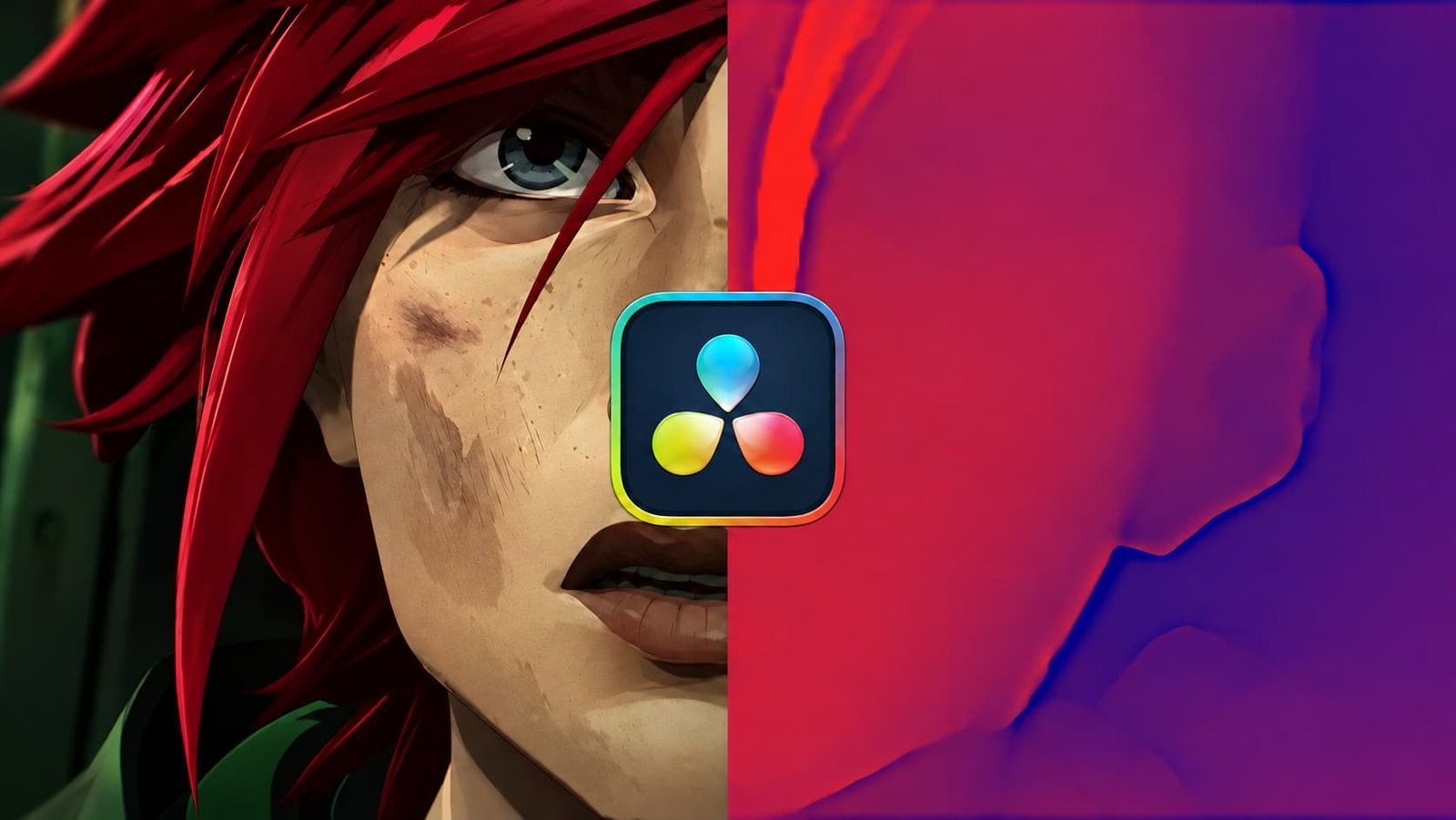
Generate AI depth maps directly in DaVinci Resolve. A free OpenFX plugin for Windows and macOS Apple Silicon, with offline processing and flexible depth controls.
How to use it on color page
Find it in the effects tab, apply it to a serial node, join the discord if you need help or reach out by email contact@clipizo.com
Apple could not verify “DepthizoInstaller-macOS.pkg” is free of malware that may harm your Mac or compromise your privacy.
pls provide me .fuse file
this is not a fuse file, thanks for the 1 star
After you download Depthizo, your download email has a Leave a review link. Reviews written there appear here labelled Verified download.
Uses a free Clipizo account. Your review is labelled Clipizo member and appears after approval.
Verified reviews come from Clipizo downloads · Member reviews are moderated · No review is hidden for its rating.
Depthizo turns your footage into AI-generated depth maps inside DaVinci Resolve. Use grayscale depth for masks and compositing, or explore colored depth gradients for stylized looks.
Processing runs locally using bundled models and runtimes. No external application, Python setup, or additional model download is required. Choose CPU or GPU processing, adjust the depth range, and refine the result with sharpening, smoothness, and optional temporal stability.
Available free from the Clipizo store, with installers for Windows x64 and macOS 14 or newer on Apple Silicon (M1 or newer).
Questions about your setup? Ask in the Clipizo Discord or send us a message.
Depthizo 1.0: Windows 10 (version 1903 or later) or Windows 11, 64-bit, or macOS 14 or later on Apple Silicon. The Mac version does not support Intel / Rosetta Resolve.
Search Depthizo in Resolve’s Effects / OpenFX list and apply it to your clip. In Fusion, search Depthizo with Shift+Space and connect an image to it. Depth generates on demand as frames render.
Some controls appear only after choosing the relevant mode.
Still stuck? Contact Clipizo with the plugin version, Resolve version, operating system and the exact error message.
Check the requirements first.