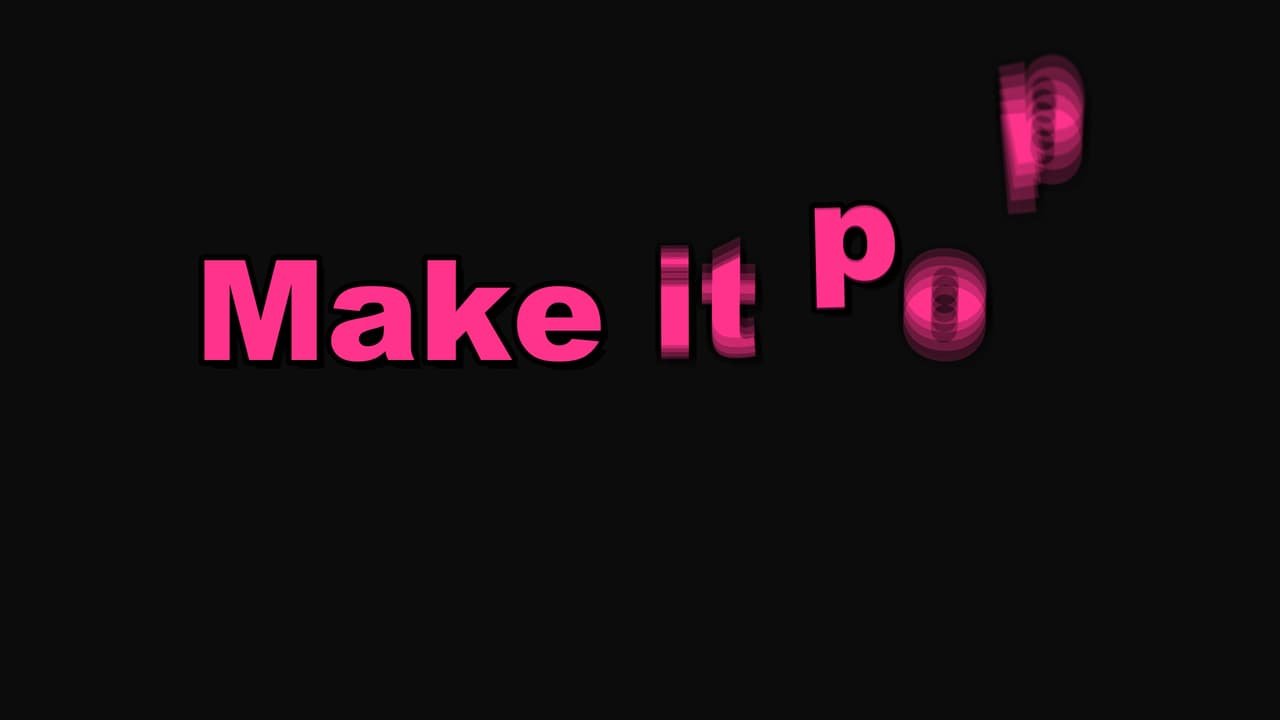
- Animation Offset
- On the In page and on the Out page: plays the page’s whole animation this many frames later (below 0: earlier) without retiming its rows. Each row that is on has its own Animation Offset too, at the end of its section.
- Direction
- The order the pieces move in: Reading Order, Left to Right or Right to Left.
- Sync to Speech / Words Shown
- Sync to Speech brings the words in one at a time. Keyframe Words Shown to the voice.
- Stop at Frame / Stop Frame / Start At
- Start At starts every In row that many frames later. Stop at Frame freezes the animation at Stop Frame, counted from the clip’s start.
- Opacity, Blur, Position, Size, Tracking, Rotation, Explosion
- Seven rows on the In page and seven on the Out page. A row’s settings show when it is on.
- Animate
- What moves in turn: letters, words or lines.
- Start Frame / End Frame / Capture
- The row’s first and last frame. Capture, beside each, takes the current frame.
- Stagger %
- How far apart the pieces start, as a share of one piece’s own movement: at 0% they all move together, at 100% each starts as the one before it ends. The row still fits between its Start Frame and End Frame.
- Start Value / End Value
- An In row goes from its Start Value to its End Value.
- Start X / Start Y / Start Z / End X / End Y / End Z
- On the Rotation row: each letter, word or line turns in 3D round its own middle, from Start X, Y and Z to End X, Y and Z; Z is the flat turn. On the Out page the row has End X, End Y and End Z only, since it starts from where the In row left the text.
- Ease / Custom
- The curve of the move. Custom, the button under it, opens a window where you shape the row’s own curve by dragging two handles; the row’s Ease then reads Custom.
- Pivot
- On the Tracking row: what stays put while the letters spread or close up, the line’s first letter (Left), its middle (Center) or its last letter (Right).
- Damping / Variance / Spin X / Spin Y / Spin Z / Pre-Roll / Reverse
- On the Explosion row, where each piece flies its own way: these shape the flight. Reverse makes the last piece fly first.
- Overlap 1 / Overlap 2 / Overlap 3 / Overlap 4
- The last four sections of the In page. Each plays one more animation on top of the In and Out rows, at frames of its own.
- On / Property / Stagger
- In an Overlap section, On turns it on and Property picks what it moves: Size, Position, Rotation, Opacity, Blur or Tracking. Animate, Start Frame, End Frame, Stagger, Ease and Animation Offset work as in a row, and only the From and To values of the picked property show. Size and Opacity multiply what the rows give (1 leaves it as it is); Position, Rotation, Blur and Tracking add to it (0 leaves it). Each section that is on animates its Property (Size, Position, Rotation, Opacity, Blur or Tracking) from its From value to its To value between its Start Frame and End Frame, by letters, words or lines (Animate).