Tools used to accelerate Clipizo production.
Plugins and workflow tools for DaVinci Resolve, Fusion, and creative production.
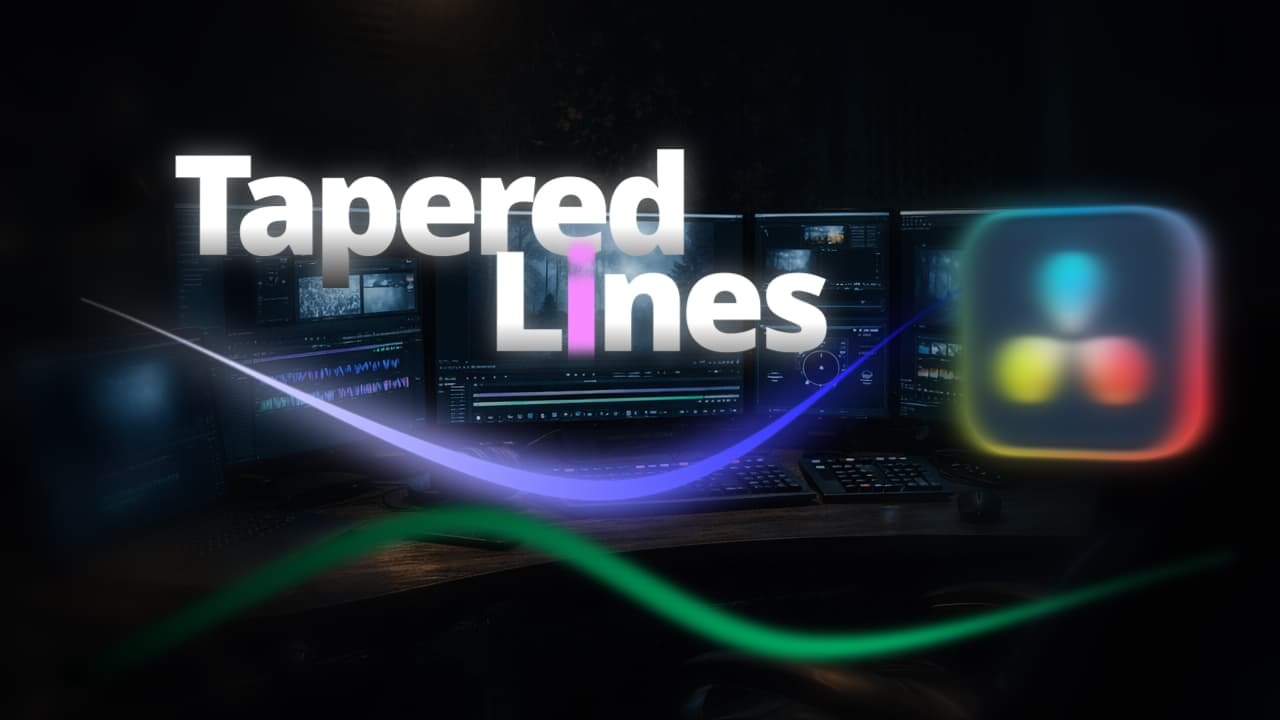
Taperizo.
Instantly draw clean, perfectly tapered strokes in Fusion without native workarounds or complex masking.
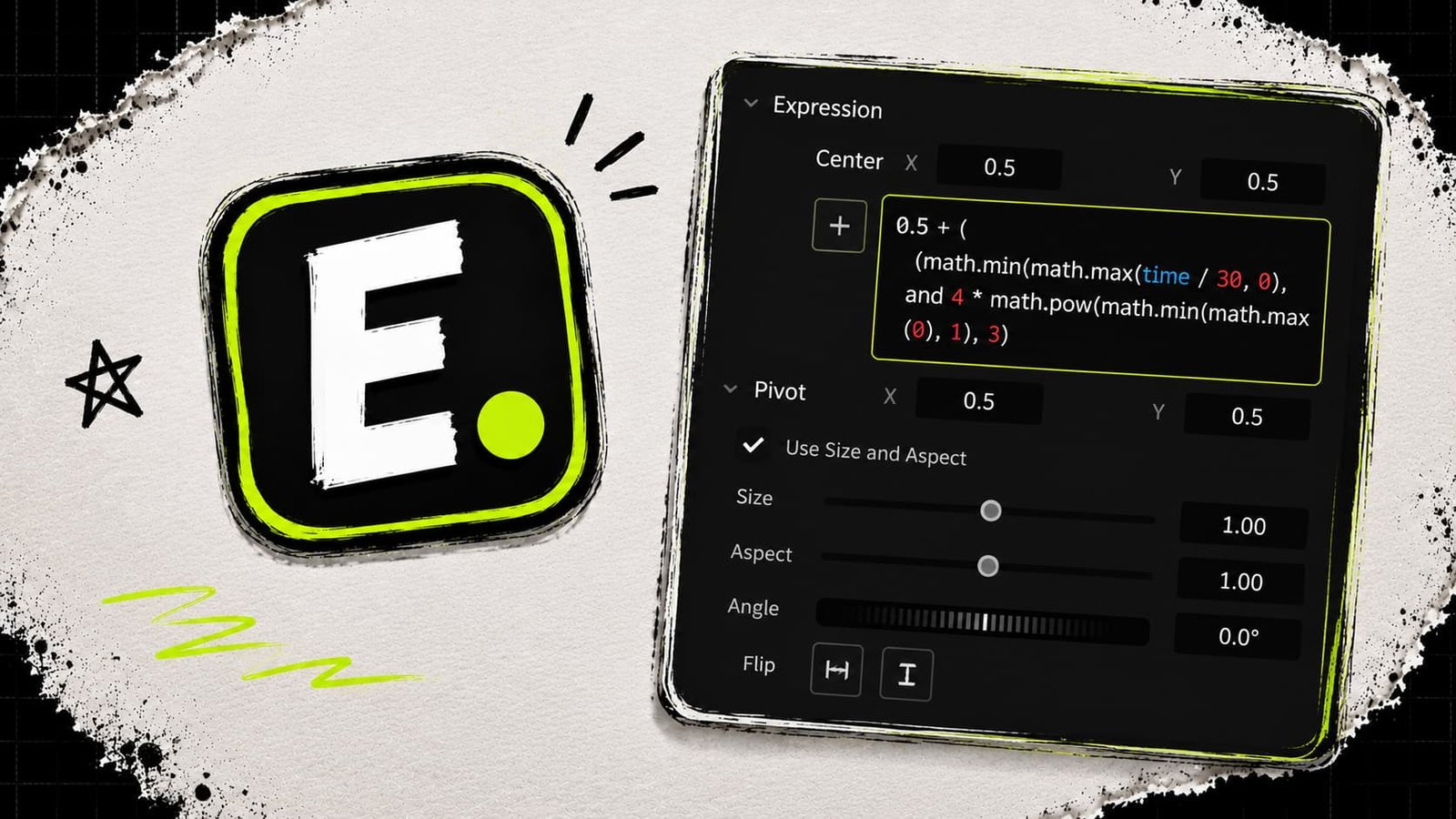
Exprizo.
Save Fusion expressions as reusable presets and reapply them like drag-and-drop effects across selected controls.
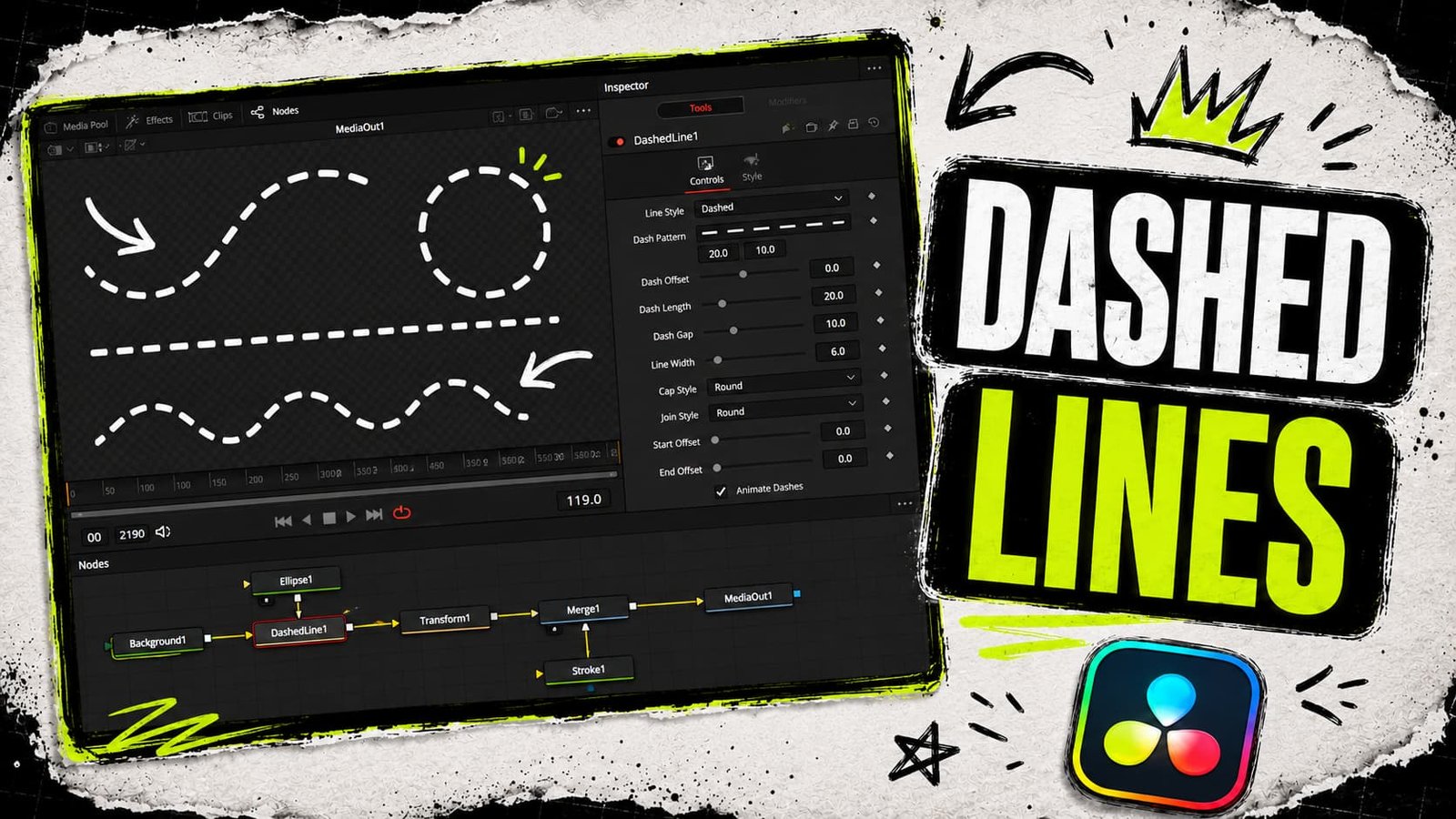
Dashizo.
Generate dashed lines and shapes along custom paths with multiple dash styles and equalized gaps.
Frequently asked questions
Common questions about Clipizo tools and installs.
What if I need technical support or a refund?
If a tool is throwing an error or you need help, jump into our Discord community or use the contact form below. Since these are digital files, we generally do not offer refunds once downloaded, but we will always help you get it working.
What software do Clipizo tools support?
Clipizo tools are built for DaVinci Resolve, Fusion, and AI workflows. Each product page lists exactly which software it supports.
Do I get free updates?
Yes. All purchases include free updates within the current major version (for example, v1.x). When a new major version releases, existing owners get a discounted upgrade path.
Can I use these tools on multiple computers?
Yes. Your license is tied to your account, not a single machine. You can install and activate Clipizo tools on any computer you own, subject to the per-product device limit shown on each product page.